Beton late April 2026 update
Postgres support, multi-user workspaces, Firecrawl context, and a refreshed design just shipped. Editable field mapping, multi-action signal routing, and a multi-subagent rewrite of discovery are queued for this week. Plus pipeline color from a late-stage pilot.

hey, it’s Vlad, founder of Beton.
ten days since the last update. a big release went out to main, more is staged for later this week, and the GTM side has had a lot of motion — both with customers in the pipeline and on our own outbound learning.
what just shipped
Postgres as a data source
Beton can now read directly from any Postgres warehouse, not just PostHog.
same pattern as PostHog — schema analysis, behavioral hypothesis generation, statistical testing — but now against your raw warehouse. a Postgres replica from your production DB, a Supabase project, a self-hosted Postgres, or a separately maintained analytics warehouse all work.
this is the use case we kept hearing: “PostHog is great, but our real behavioral data lives in Postgres.” for teams that already use it as DWH — through Segment, Fivetran, RudderStack or custom ETL pipelines — Beton can now sit on top of the warehouse without forcing a migration to another product.
we start by reading the schema, surfacing tables that look like behavioral fact tables (events, actions, transactions), and proposing hypotheses to test. the statistical validation layer is identical to the PostHog flow.
connect it from the Postgres integration page.
multi-user workspaces
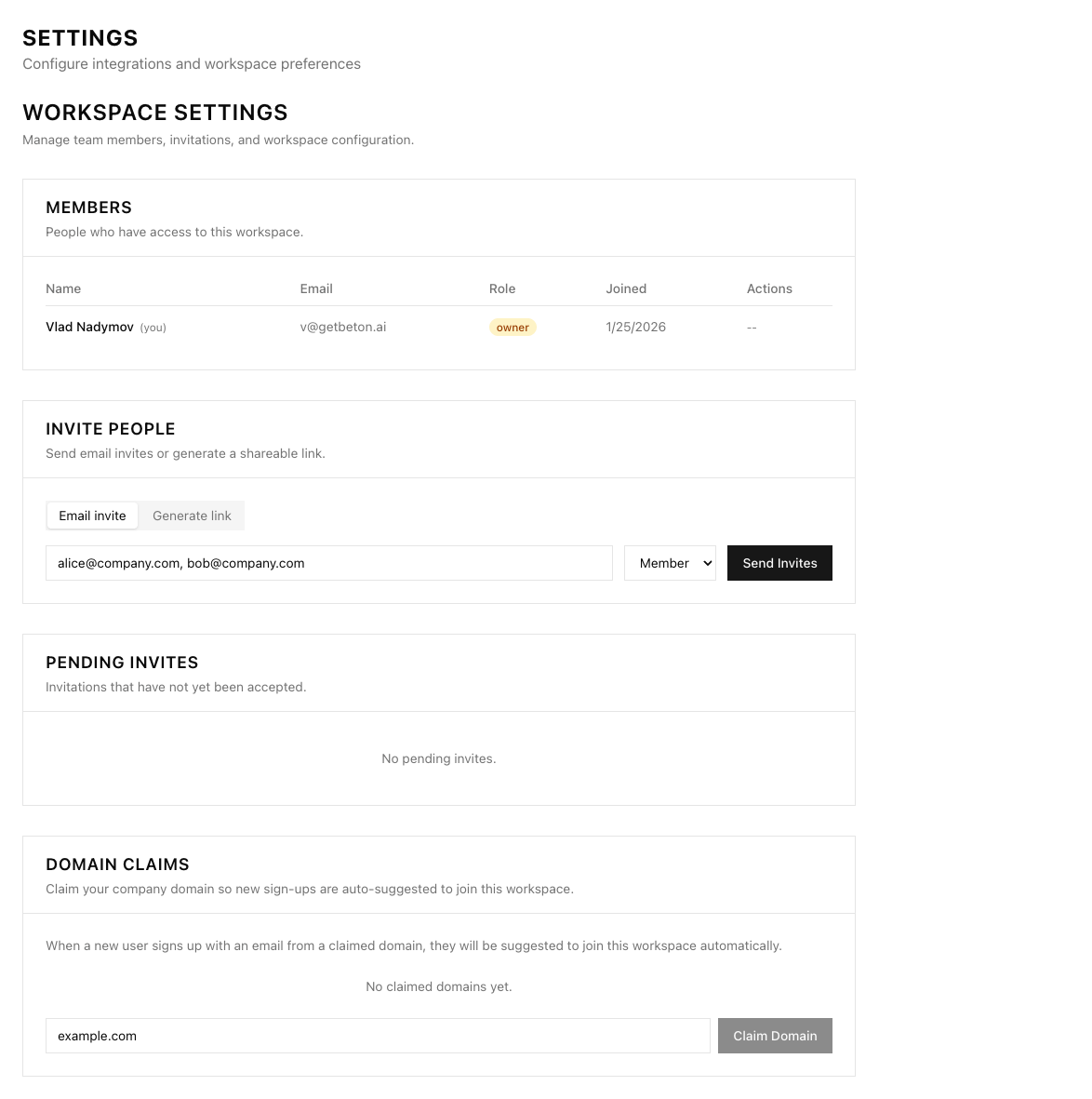
workspaces support multiple people now. invite teammates, assign roles (owner, admin, member), share signal pipelines without stepping on each other’s field mappings. per-workspace integration credentials, per-workspace audit logs, and the foundation for proper team workflows.
practically — when a signal fires, you can see who configured the pipeline that produced it, who’s responsible for routing, and who’s been alerted. that’s table-stakes for any RevOps tool used by more than one person, and it’s now in.
Firecrawl integration
you can now add your Firecrawl API key in settings, and the agent will pick up context about your business directly from your own site. pricing pages, feature pages, blog posts, integration directories — anything we crawl gets ingested as context for hypothesis generation.
this matters because most behavioral signals don’t make sense in isolation. “user X clicked Y three times” is meaningless without knowing what Y is and what role it plays in your funnel. the agent reads your site, builds a working model of what the product does and how it monetizes, then uses that model to interpret the events it sees.
next step: extending so the agent also scrapes context on your customers’ companies during analysis. for B2B, the customer’s industry and stack often change how a signal should be interpreted — a transaction-volume drop means something different at a fintech versus an e-commerce store, and the agent should adjust accordingly.
set it up on the Firecrawl integration page.
refreshed design + more agent memory
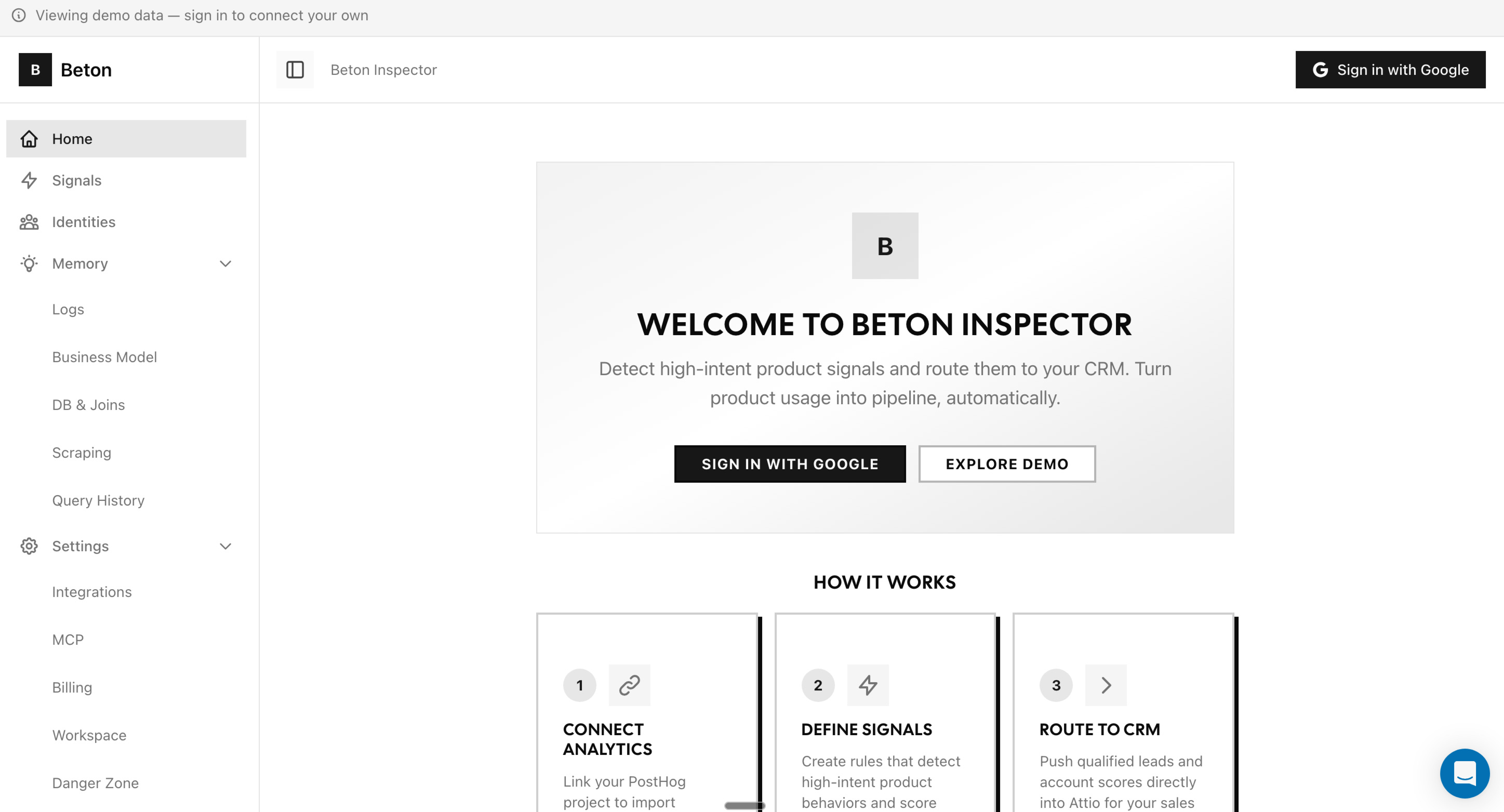
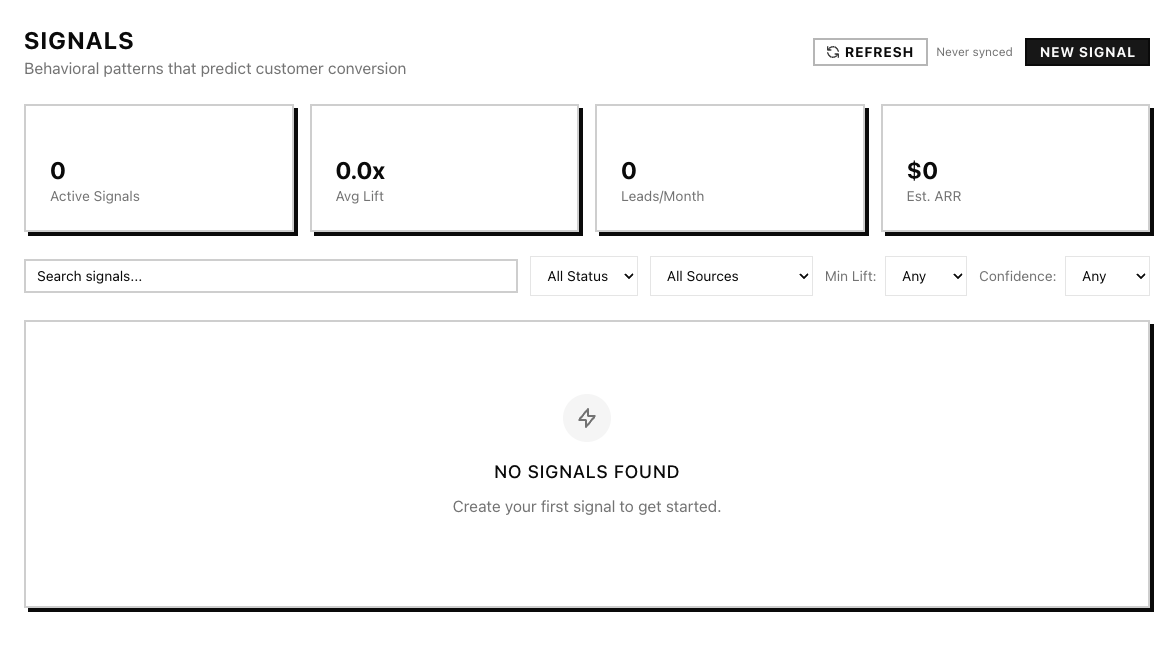
the Inspector UI moved from near-total black-and-white to a refreshed design system with blue as an accent — still a color-blind safe palette, just less stark. cleaner navigation, sharper signal table, semantic badges for signal state. less visual noise.
the agent also remembers more between runs now — its query history, the hypotheses it tested last time, schema notes it built up — so the next session doesn’t redo work the previous one already finished. consecutive runs converge on what matters faster.
what’s coming next week
these are in final review now and shipping to main this week.
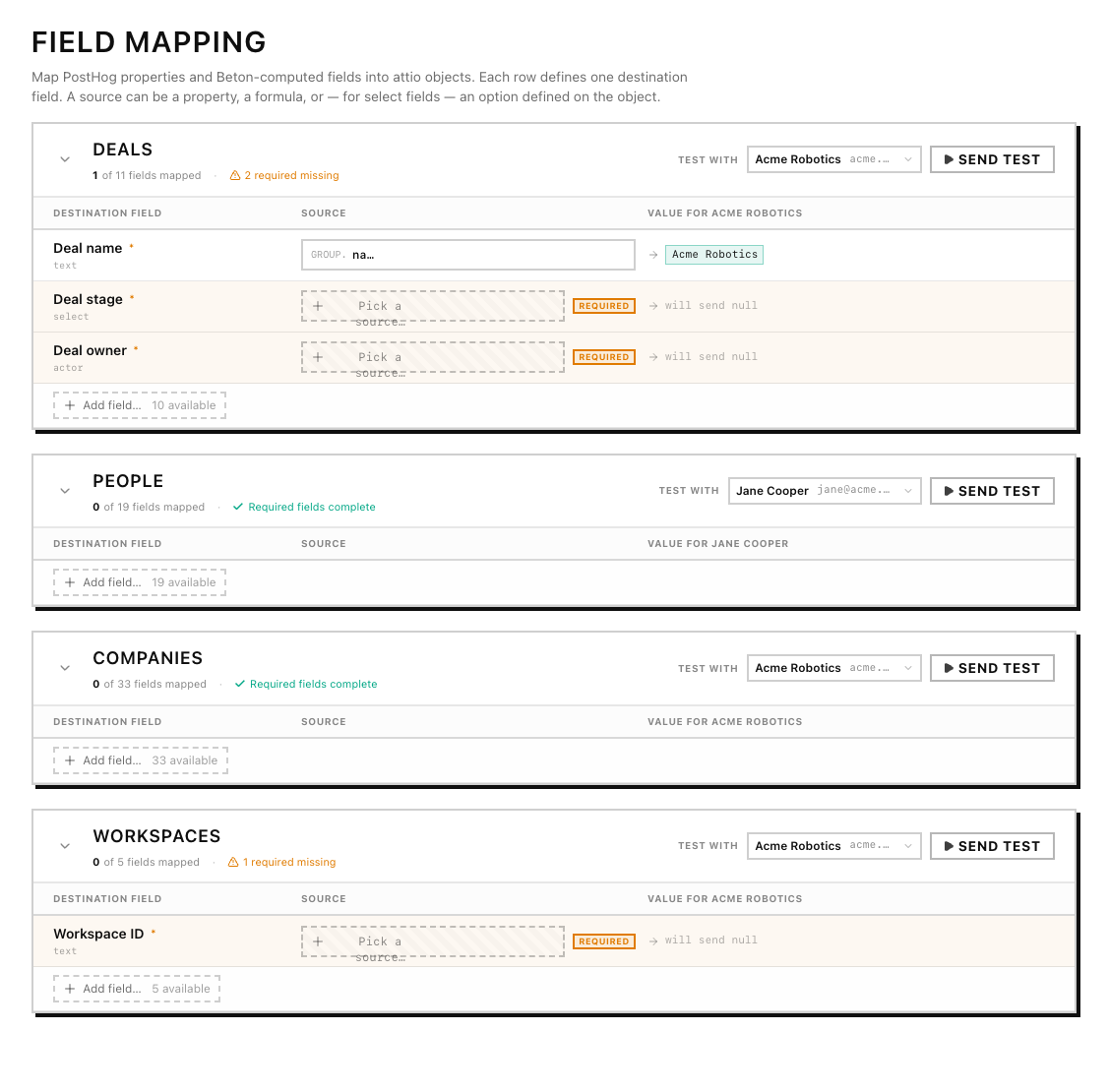
field mapping
the biggest UX shift in the queue. right now, mapping a signal output to an Attio CRM field is done only once during workspace setup. after next release you’ll be able to change it on the fly.
onboarding will guide you through field mapping in-line. integrations split cleanly into sources (where signals come from — PostHog, Postgres) and destinations (where they go — Attio, soon HubSpot).
each destination has a visual mapper with three picker tabs:
- source — pick a property directly off the signal payload
- property — pick a static value or a workspace setting
- formula — write a small expression with autocomplete (member email lookups, default fallbacks, conditionals)
more than that, you’ll be able to set up different behaviour for each signal. one signal can trigger multiple different actions in multiple destinations — so you can create a new CRM deal and send a Slack notif on one signal, while another updates the deal and adds the user to a PostHog cohort.
entity linking
field mapping by itself just sets attribute values. entity linking is the harder part — when a signal fires, who is this about, and what records need to exist in the CRM for the action to land.
the new release handles this without you writing any resolution code:
- people resolved by email. when a signal carries a person’s email, the system upserts an Attio person record by email — creating it if missing, updating it if found.
- companies resolved by domain. same idea. the system asserts a company by domain. if a freshly-asserted person has no company link, it auto-links them to the matching company.
- account owner resolved by workspace member. a
member(email)formula in a mapping returns the matching Attio workspace member — so you can route deals to the AE who owns the account in one expression. - specific records via search picker. when you need to link to a particular record (a fixed campaign, a specific Slack channel as Attio object), the picker queries Attio’s search endpoint live as you type.
so a “high-intent visit on the pricing page” signal can simultaneously create a deal, attach the person who triggered it, attach their company by domain, and route the deal to the AE who owns that company — all from one signal definition, all from one UI, with the system doing the upsert plumbing.
agent updates
this release is mostly a wiring change, not a feature change.
the discovery agent now runs as a sequence of four subagents instead of one monolithic prompt:
- site discovery + summary — crawl the customer’s site, extract product and positioning context, condense into a working brief that the rest of the pipeline reads
- DWH analysis — connect to the warehouse, build a schema map, identify behavioral fact tables
- signal-hunting agent — runs in a loop: generate a hypothesis, query the warehouse, evaluate, iterate. this is the only step that loops; the rest run once
- finalizer — package the strongest hypotheses with their evidence into a structured handoff
cleaner trace logs at every step, so you can inspect what each subagent did and why. we were running everything as one prompt before, which meant a failure anywhere blew up the whole run and made debugging painful. splitting it into named subagents makes failures localized and traces useful.
the agent itself is open source. → inspector-ml-backend on GitHub
after this release, we’re wiring in our open-source statistical-methods toolkit as agent tools — Fisher exact, two-proportion z, Newcombe intervals, multiple-comparison correction. validation will run as a first-class step inside the loop instead of through a separate post-processing pass. that work is in flight; expect it in the next release.
HubSpot integration
every Beton user with HubSpot will be one OAuth click away from getting signal data right where their pipeline lives.
GTM updates
we’re slowly progressing with early adopter pilots.
a late-stage pilot with a marketplace platform
our furthest-along pilot right now is with a marketplace serving SMB B2Bs — their sellers are small business operators who use the platform to run their core operations.
the platform has thousands of these seller accounts. each one is small in revenue terms, but the long tail adds up to most of the company’s volume. the problem they brought us: they have no behavioral way to know which sellers are slipping toward churn before renewal time. account managers can’t watch thousands of accounts manually. renewal-time interventions are too late.
we’re running a backtested signal hunt on their warehouse — hypotheses like “when a seller goes A → B → C, does that predict churn over the next 30 days?” — discovered from historical event data and validated statistically across three layers:
- per-hypothesis stats — Fisher exact, two-proportion z, Newcombe intervals
- holdout testing — confirm the pattern holds on data the hypothesis wasn’t generated from
- multiple-comparison correction — so we don’t fool ourselves with false positives at scale
the signals that pass all three layers flow into their destination CRM with the relevant context attached. the CS team gets a prioritized worklist instead of spending time on customers not worth pursuing.
pipeline is filling up
three other live conversations, three different industries, similar problem shape:
- LTV defense for a delivery marketplace. commodity-pricing competition is collapsing repeat-buy rates. they want cohorts whose repeat frequency is degrading inside the renewal window, before the customer tells them they’re leaving.
- post-signup activation depth for a PLG marketing platform. which first-week behaviors predict 14-day retention, which predict expansion, which predict no-show. signals routed to a tiered onboarding response.
- account stagnation detection for a security vendor. big accounts that are technically still paying but have stopped using the product are leading indicators of non-renewal. find them earlier, intervene with product changes or success.
different verticals, but the underlying ask is the same: a company has behavioral data in a warehouse, knows there’s signal in there, doesn’t have the team-time to hunt for it manually. Beton is the agent that does the hunting.
you’re an hour away from new retention drivers – just sign up, set up your account and wait for the agent to go through your data.
ask
forward this to a CMO/Head of Sales friends of yours. happy to pay a finder’s fee if we do a deal with them
— Vlad